

Tell all sellers about something new
You have an announcement, and every seller should read it in their language on the right day. In comrce Hub that is a News article. You write it in English, translate it and publish each language on its own. One publish date schedules the whole article. Saving never publishes anything, so you can prepare an announcement days ahead.
Before you start
Section titled “Before you start”| You need | Where it lives |
|---|---|
| The News Editor, Admin or Super Admin role | Your team member page under Hub Team |
| At least one category | News › Categories |
| A cover image, if you want one | A 16:9 PNG or JPEG of at most 8 MB. Without it, the default cover is used. |
| AI translation, if you want a first draft | It works only when AI translation is set up for comrce Hub. Otherwise you translate by hand. |
| Nothing to pay | News costs nothing |
-
Pick or create a category. Sellers filter the News by category. Open Categories in the News list and create one if none fits. Publish its name in each language and leave it visible. Create or edit a category has the details.
-
Write the article. Select Add article and write the title and text in English. Text you type in English is copied into every language you haven’t edited yet. Write or edit an article explains the editor.
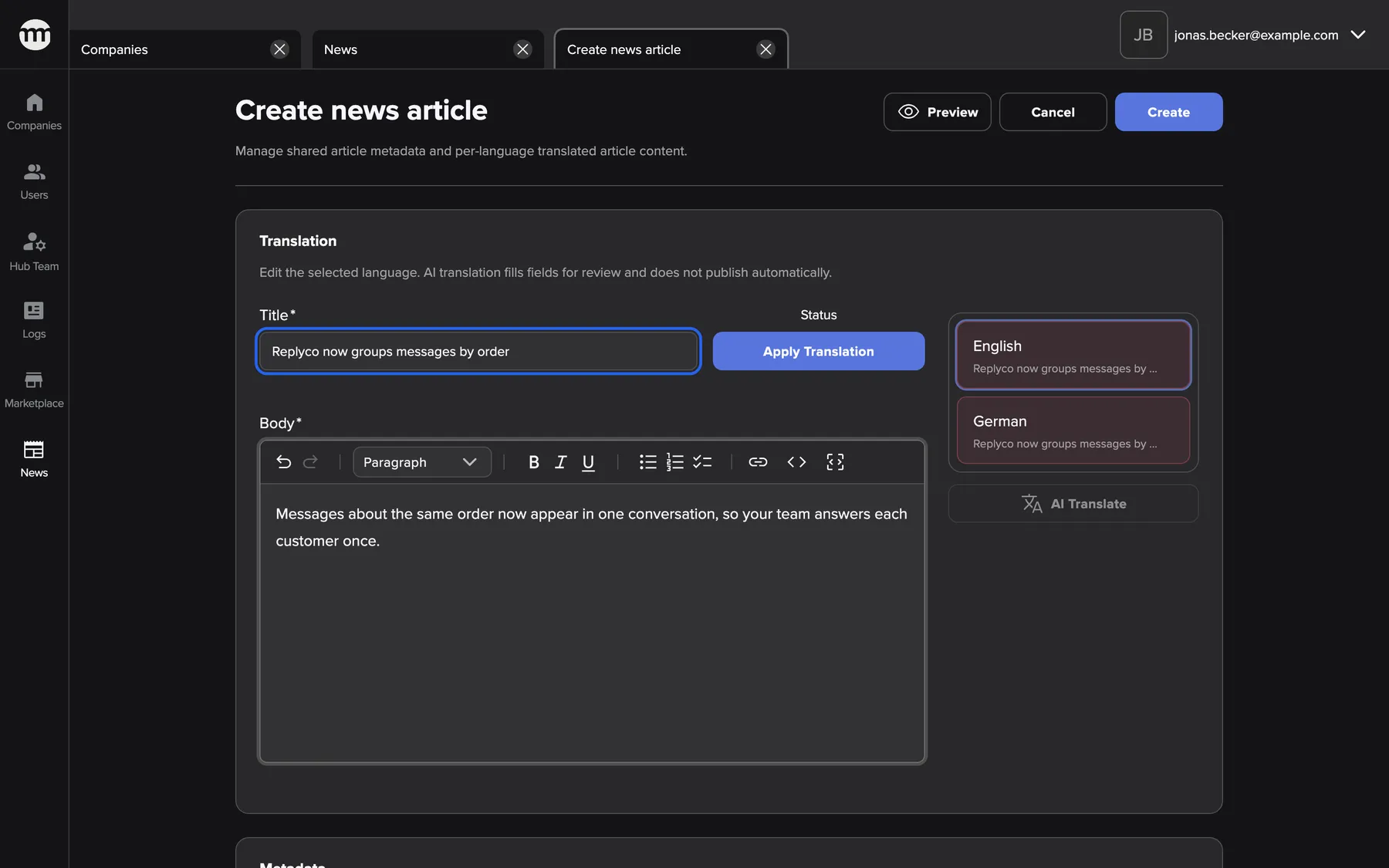
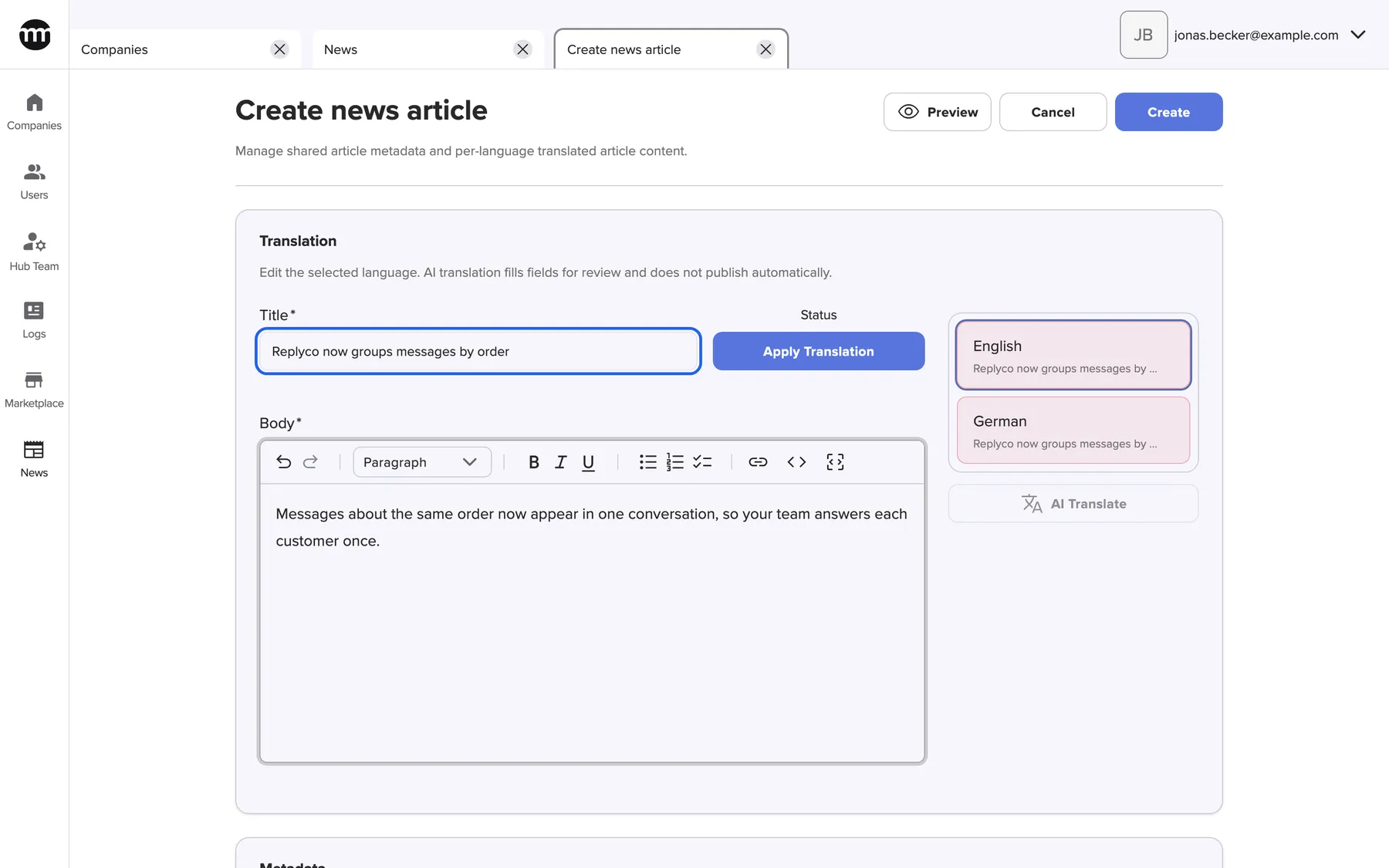
You write the English text first. It is copied into every language you have not edited yet. What this screenshot shows
- Screen
- Create news article
- Highlighted
- “Title”: the English title of the new article
- Also visible
- Create and Apply translation buttons; Language list English and German; Markdown editor
- Purpose
- writing the announcement
-
Translate and publish each language. Select a language in the list, and translate it yourself or with AI translate. Read it, then select Apply translation. Only that publishes the language. Green languages are published, red ones are drafts.
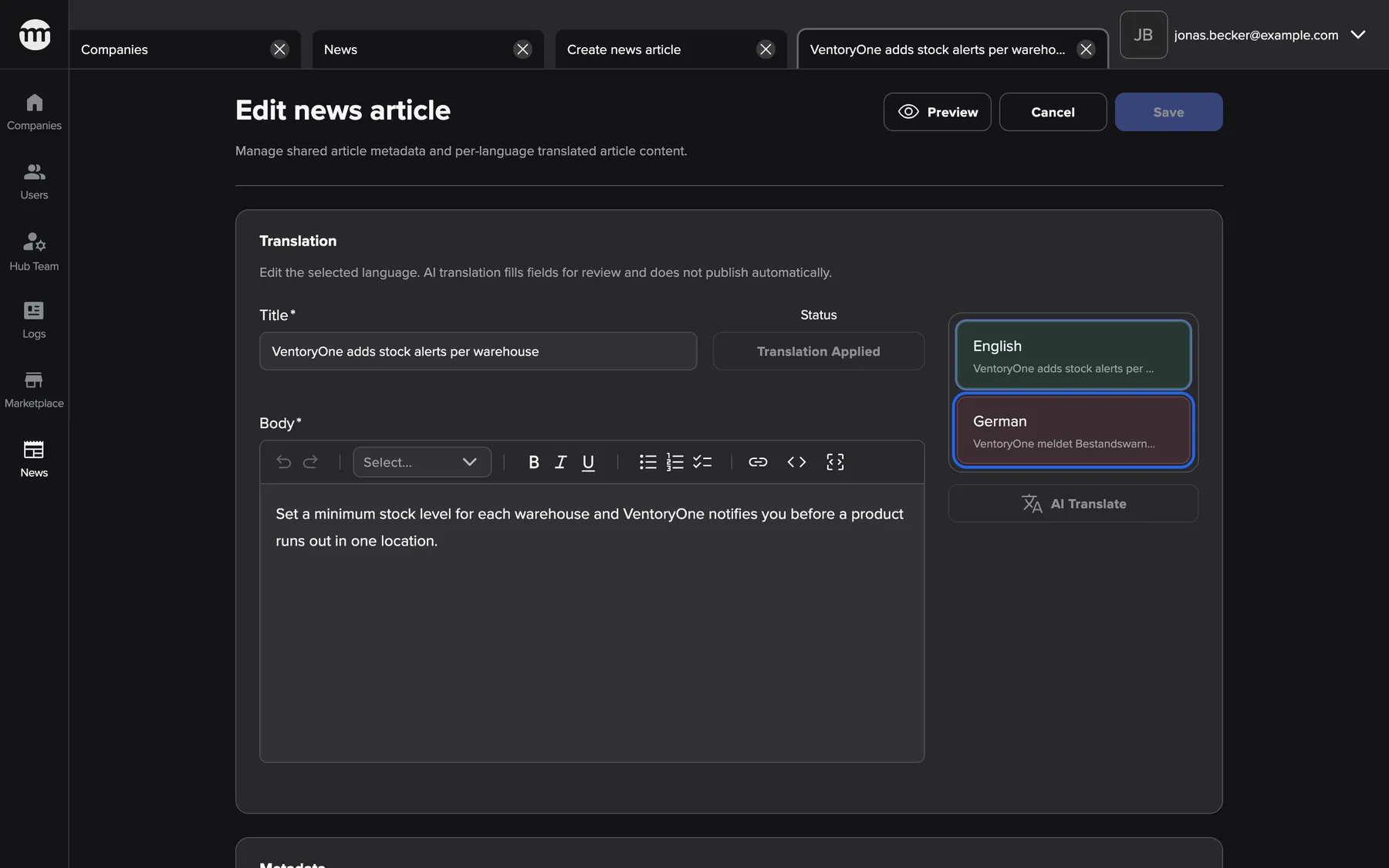
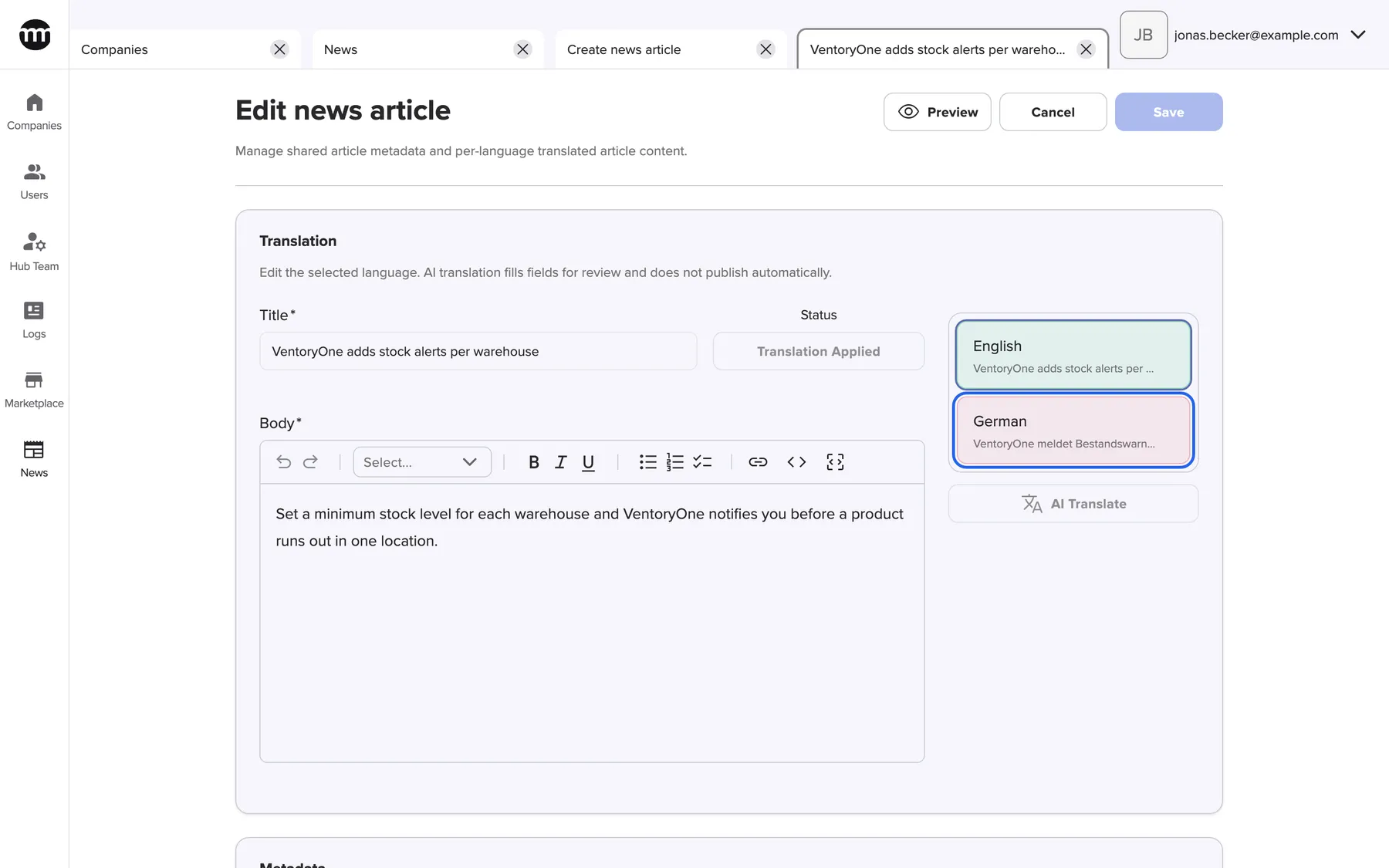
Green languages are published, red ones are drafts. Each language is published separately. What this screenshot shows
- Screen
- Edit news article
- Highlighted
- “German”: switches to the German text, still a draft
- Also visible
- English published (green); German draft (red); AI translate button
- Purpose
- publishing each language on its own
-
Set the publish date and categories. Keep today, or pick a later day to schedule the announcement. Tick at least one category, and add a cover if you like. For an important announcement, pick a date a few days ahead and publish every language. Nothing reaches sellers before that day.


A publish date in the future schedules the article. Past days cannot be chosen. What this screenshot shows
- Screen
- Create news article
- Highlighted
- picks the day the article appears
- Also visible
- Today selected; Past days disabled
- Purpose
- scheduling the announcement
-
Save. If a language is still a draft, comrce Hub asks once before saving. Sellers of that language then see the English text. Publishing news shows every combination.
-
Preview each language. In the News list, switch the language and select Preview on the card. Preview works before the publish date too. You see the article as sellers will read it, and can still correct it.
What happens next
Section titled “What happens next”On the publish date, from 00:00 UTC, the article appears in every seller’s News. That’s 01:00 or 02:00 German time. Sellers see it in their language, or in English where their language is still a draft. Newest publish dates come first.
The card in the News list shows the status of the selected language. Every change to the article writes an event to the logs, with your name.
Options
Section titled “Options”| Choice | When to pick it | Effect |
|---|---|---|
| Publish every language and set a date (recommended) | A planned announcement | Everyone sees it on the same day, each in their language |
| Publish English first | An urgent announcement | Every seller sees it at once in English. Other languages replace it as you publish them |
| Archive the article | The news is outdated | It leaves the feed. Sellers who starred it still find it in their favourites |
- Publish again after every correction. Any change to a language’s title or text sets that language back to draft. Sellers of that language then see English until you select Apply translation again.
- Check AI translations before you publish them. AI translate only fills a draft from the current English text. It never publishes.
- Publish category names too. A category badge needs a visible category. Its name must also be published in the seller’s language or in English.
If something goes wrong
Section titled “If something goes wrong”| Symptom | What to check | Fix |
|---|---|---|
| Sellers read English instead of their language | Is their language red in the language list? | Select it and Apply translation |
| Sellers don’t see the article at all | The publish date, the English status, and whether the article is archived | Publish English, or wait for the date |
| "Select at least one category." | No category is ticked | Tick at least one category |
| The category badge is missing on the card | Is the category hidden, or its name still a draft? | Switch it visible and publish the name |